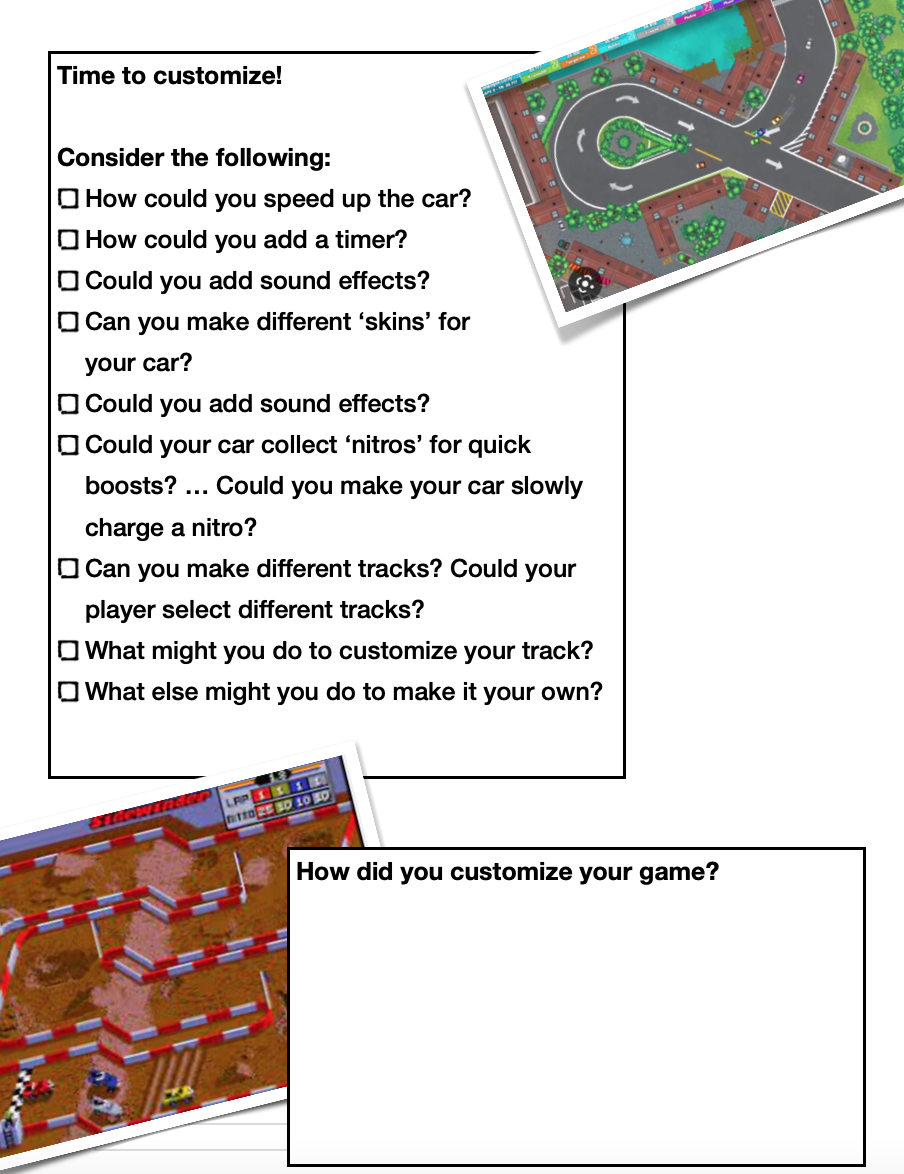
One of the best ways to get started with Scratch is by creating a top-down racing game. This simple game can be highly engaging for students, as they can personalize and problem-solve their game for hours on end. There are a number of variations of the game, but this particular version is designed to be easy to follow and suitable for kids in grades 3 to 6.
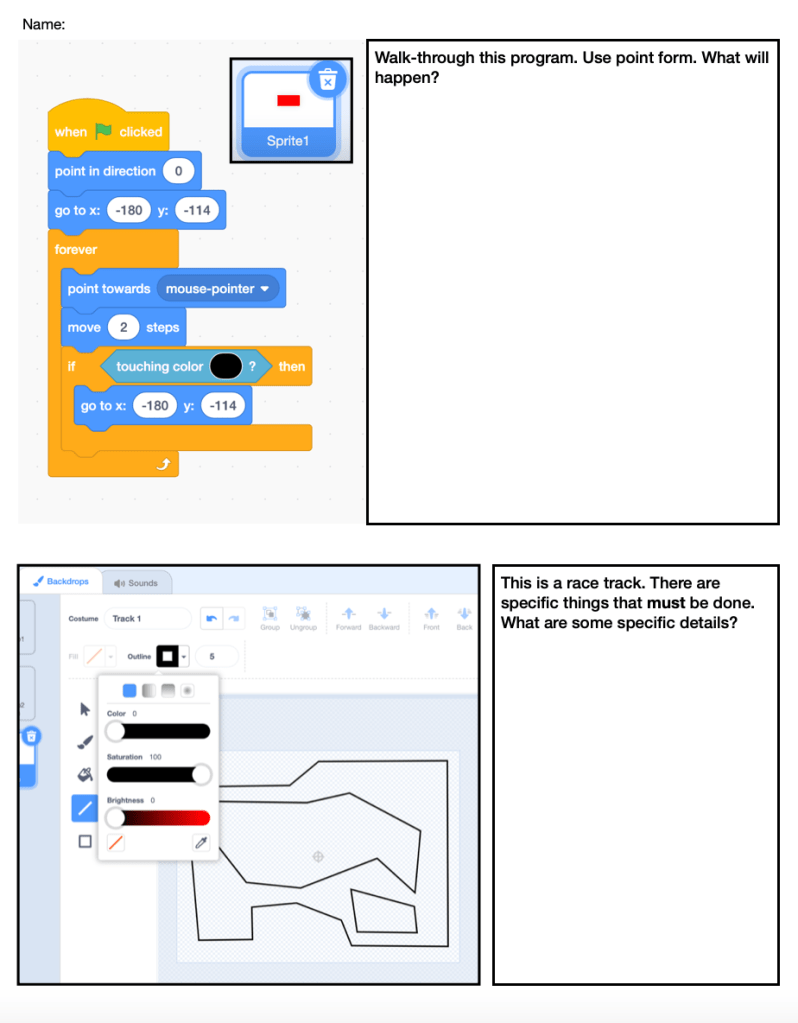
To create the game, students will need to follow three main phases. First, they will learn how to paint a sprite and add sprites to the game. Next, they will learn how to make the user move the sprite. Finally, they will learn how to create maps for their users to navigate. Along the way, students can have fun customizing the game by adding sound effects, multiple levels, and even two-player mode.
The PDF provided in this blog post can be easily printed to help students follow the steps and create their own top-down racing game in Scratch. This is a great activity for introducing students to the basics of coding and computer programming, while also helping them express themselves creatively through code.

 EdTech Insider
Leave a comment