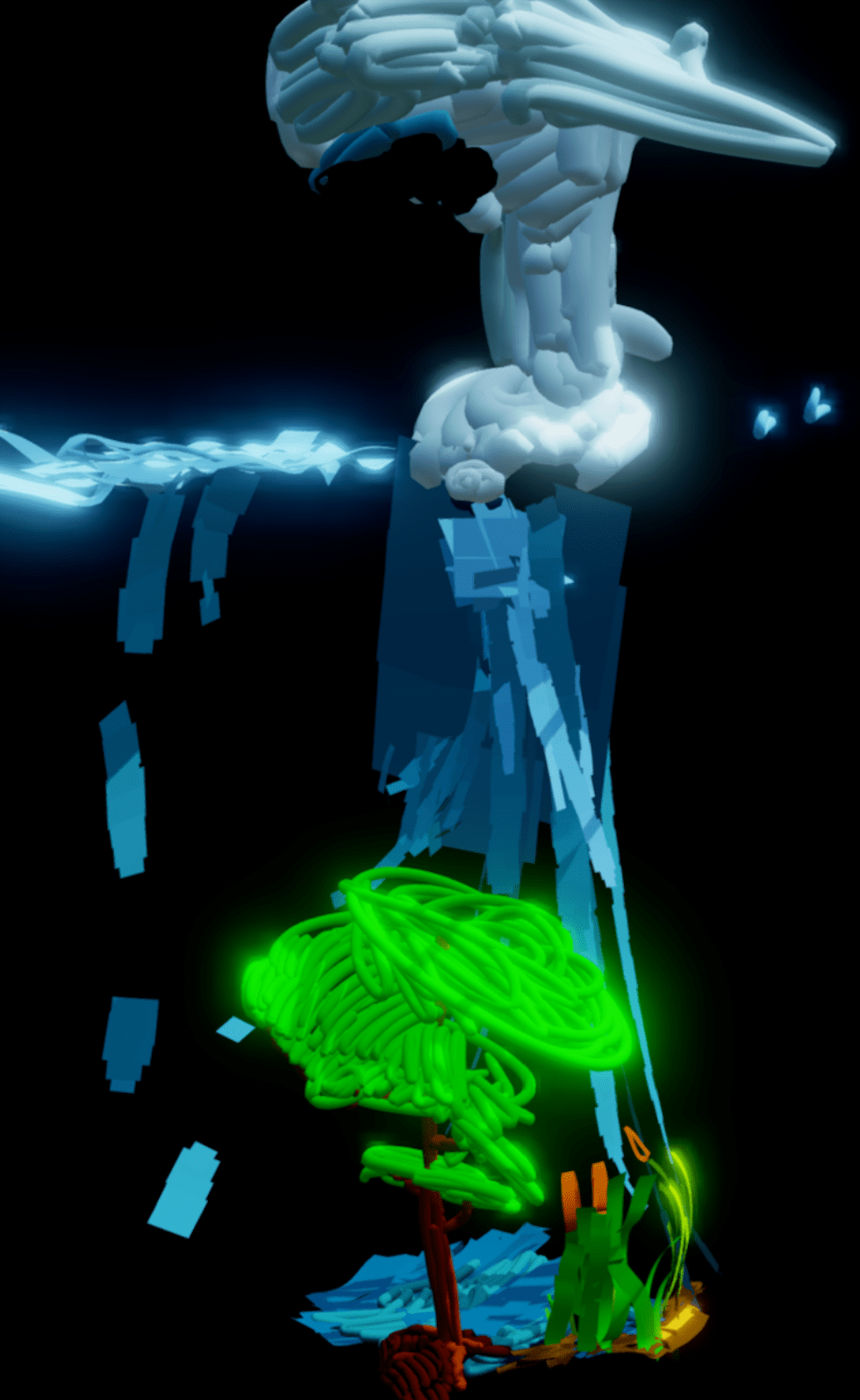
Tiltbrush is an incredible VR application that allows users to create virtually anything in a 3D space. From landscapes and cities to cartoons and other creative designs, the possibilities are endless.

As an educator, I can’t help but think about the potential of Tiltbrush for use in the classroom. For example, in a science class, students could use Tiltbrush to create VR diagrams of concepts they are learning about, such as food webs or food chains in a forest ecosystem (or any ecosystem for that matter). Here is a link to a student created model of the water cycle (as a start!). Similarly, students studying celestial objects and the possibility of human expansion into space could use Tiltbrush to create and justify a moonbase or a rover.
But Tiltbrush can be used for more than just educational purposes. Students could use it to create a “zen zone” for relaxation or to participate in “build battles” similar to those in Minecraft, recreating scenes from class read-alouds. The possibilities are endless and I’m excited to bring my Oculus Quest 2 into the classroom and see what my students come up with using Tiltbrush… I had been using it tethered to my computer, and only just realized that it is available in the Oculus Store (for $25.51 CAD), so you can use it without wires and cords. I’ve also recently learned that there is an Open Brush version for free! I haven’t tried it yet, but when I do I’ll check back and make some changes.
Tiltbrush is a powerful tool for creativity and expression that has the potential to enhance learning in a variety of subjects. I can’t wait to see how it might be used in the classroom in the future.


 EdTech Insider
Leave a reply to andybak Cancel reply